
Wendy’s Calorie Calculator
Build a meal from source-backed menu items and see calories plus a complete 13-field nutrition total as you adjust servings.

Build your meal
Choose a verified menu row. Every included item carries the same dated official nutrition-table snapshot.
62 source-backed menu rows

View nutrition

View nutrition
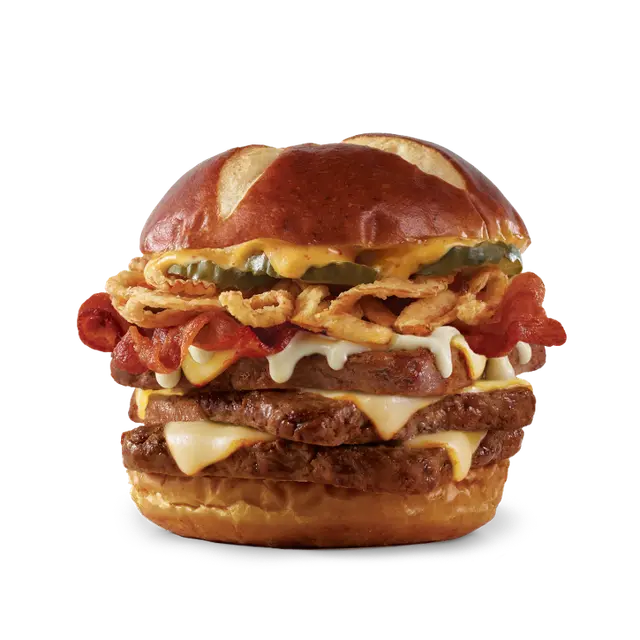
View nutrition

View nutrition
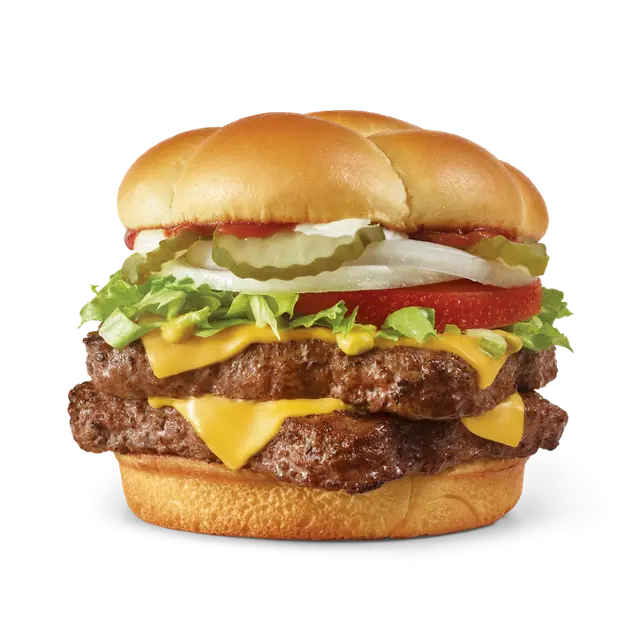
View nutrition

View nutrition

View nutrition

View nutrition

View nutrition

View nutrition
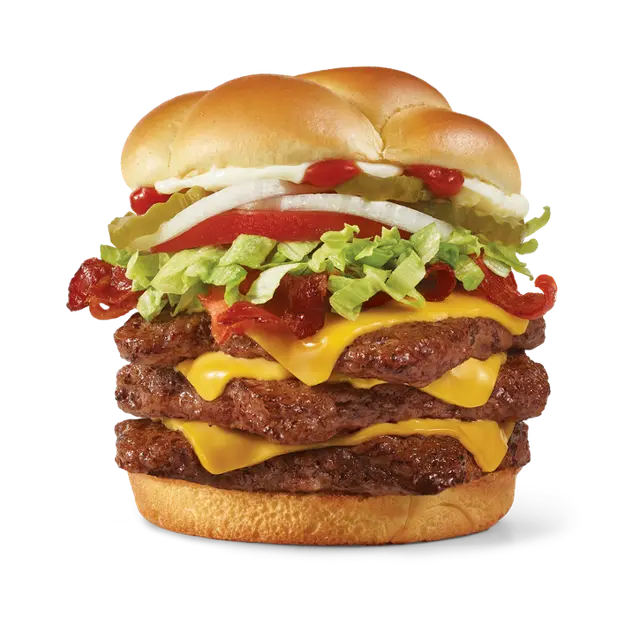
View nutrition

View nutrition

View nutrition

View nutrition

View nutrition

View nutrition

View nutrition

View nutrition

View nutrition

View nutrition

View nutrition

View nutrition

View nutrition

View nutrition

View nutrition

View nutrition

View nutrition

View nutrition

View nutrition

View nutrition

View nutrition
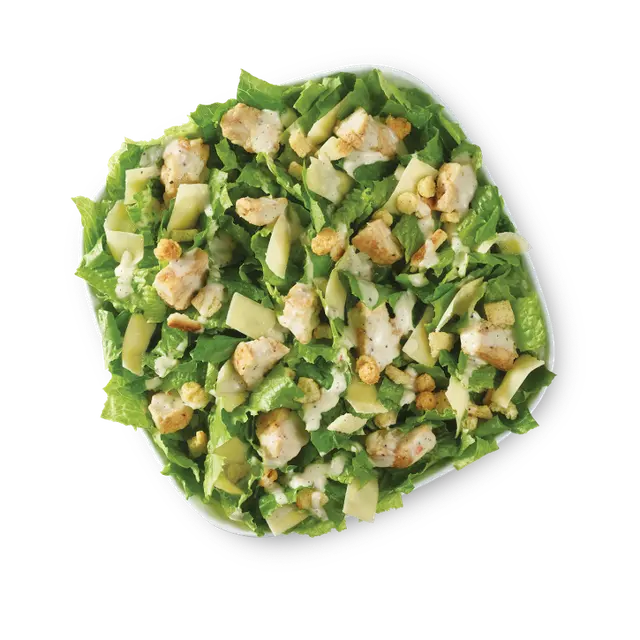
View nutrition
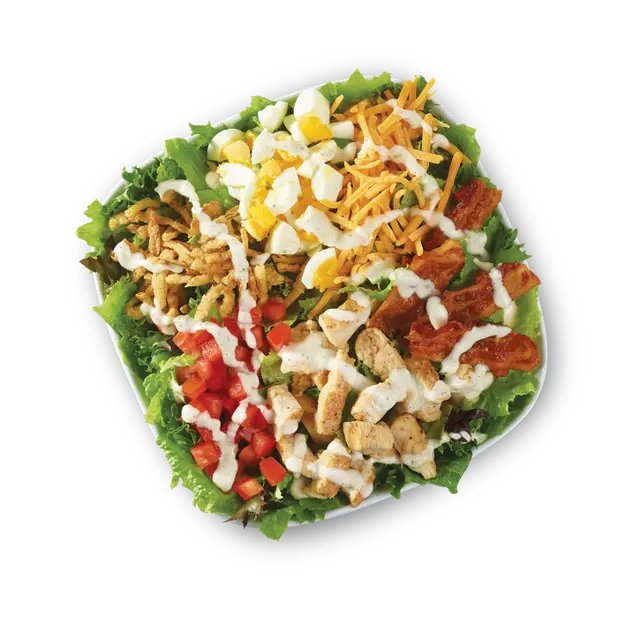
View nutrition
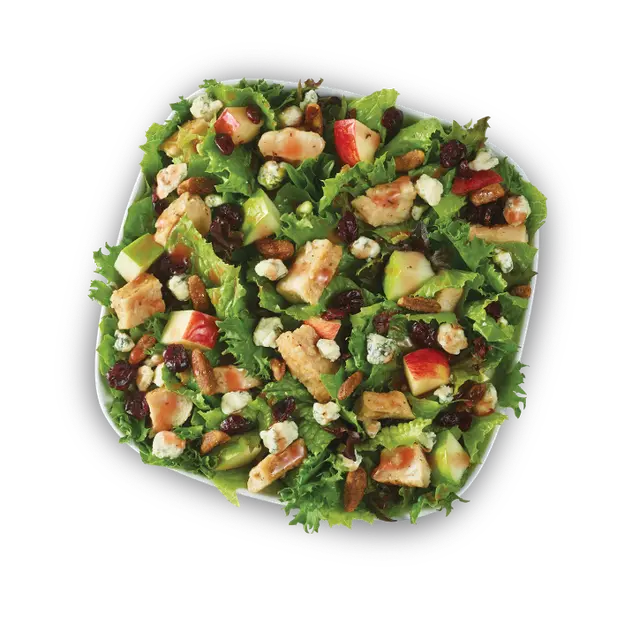
View nutrition
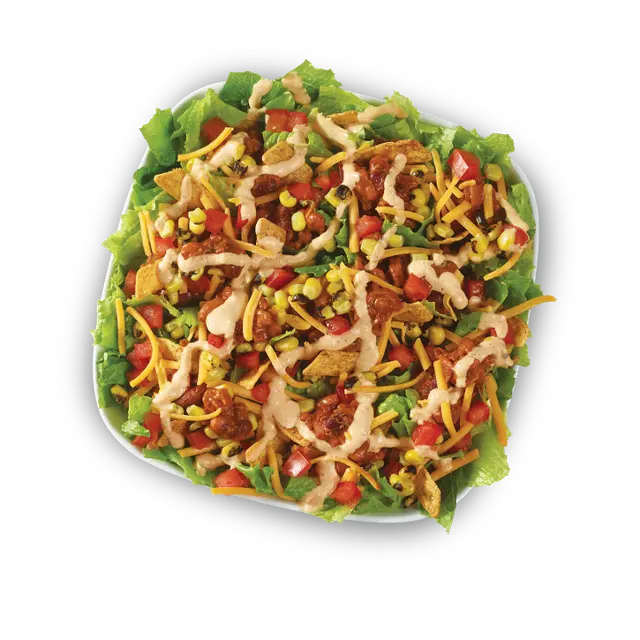
View nutrition
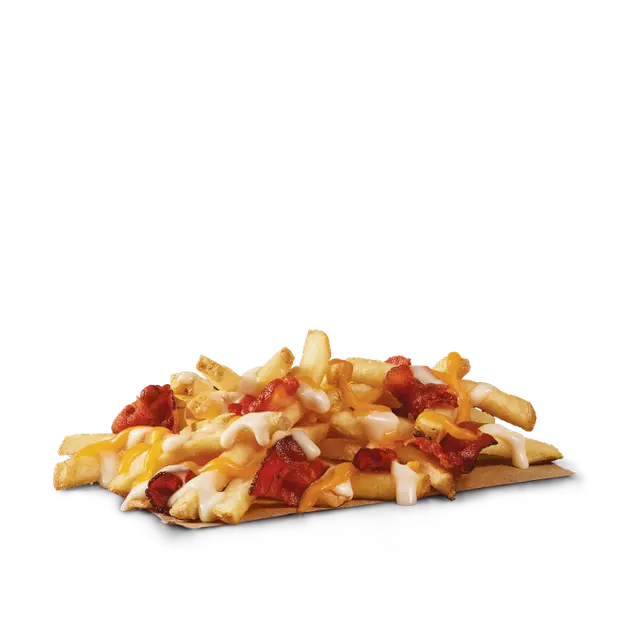
View nutrition
View nutrition

View nutrition
View nutrition

View nutrition

View nutrition

View nutrition

View nutrition

View nutrition

View nutrition
View nutrition
View nutrition
View nutrition
View nutrition

View nutrition

View nutrition

View nutrition

View nutrition

View nutrition

View nutrition
View nutrition
View nutrition

View nutrition

View nutrition

View nutrition
View nutrition
View nutrition
Calculator guide
What is the Wendy’s Calorie Calculator?
The Wendy’s Calorie Calculator is an independent meal builder that adds calories and complete nutrition totals for the fixed Wendy’s menu rows you select. Search the menu, add one or more items, change their quantities, and the calculator above updates all 13 tracked fields in one summary.
It is designed for a question that a single product page cannot answer: what do several selected items look like when they are viewed together as one meal? A sandwich, side, drink, or bakery item may each have its own nutrition response, but a combined order requires the values to be added consistently. This tool performs that arithmetic while leaving each item’s nutrition details available for inspection.
The current dataset is a dated snapshot, not a live connection to a restaurant ordering system. It includes 62 standard-formulation rows in 7 represented categories, each backed by one complete official product-detail response captured on 2026-08-10. It deliberately excludes uncertain ranges and unresolved options instead of filling gaps with estimates.
Snapshot scope
What this Wendy’s menu snapshot covers
The scope is intentionally explicit so the totals can be understood without implying that every current product is present.
Included categories
The represented groups are the categories for which fixed products met the inclusion rule. They let you browse familiar types of items without pretending that category coverage is the same as complete menu coverage.
- Burgers
- Chicken & Nuggets
- Fresh-Made Salads
- Fries & Sides
- Bakery
- Beverages
- Coffee
Deliberate exclusions
Breakfast, combo meals, Frosty products, kids’ meals, deals, prices, location availability, and products presented only as ranges or required size selections are not part of this fixed snapshot. The tool also does not calculate ingredients, allergens, substitutions, preparation changes, or customizations. Those limits prevent a tidy total from being mistaken for information the dataset does not actually contain.
For a broader directory of the included rows, use the Wendy’s menu nutrition guide. It shows the same locally stored items and nutrition attributes without adding them into a meal.
Why use it
Why calculate a complete Wendy’s meal?
Product-level numbers are useful, but many comparisons involve more than one row and more than calories alone.
See the combined order
A main item and a side are separate records in a menu dataset. Add a beverage or a second serving and the number of records grows again. The calculator turns those selected rows into one consistent total, reducing the need to add calories, milligrams, grams, and percent Daily Values by hand.
Compare more than calories
Two combinations can have nearby calorie totals while their sodium, carbohydrates, protein, fat, or sugars differ. Keeping every tracked field in the same summary makes the comparison more informative without telling you which meal to choose. The numbers remain descriptive, not a personal target.
Keep quantities visible
A repeated item should not disappear into mental arithmetic. Once a menu row is selected, its Add button becomes a quantity control. Increasing or decreasing that count updates the same shared calculation, so the visible meal list and totals continue to agree.
Retain source context
The source date, inclusion rule, and limits stay next to the tool. That context matters because restaurant menus and product formulations change. A useful historical snapshot should identify when it was captured and direct visitors to the official source for current details.
How it works
How the Wendy’s Calorie Calculator builds totals
The calculator starts with a bundled PHP dataset. Each row has a stable item name, category, locally hosted image, and numeric values for the same 13 nutrition fields. Public page views do not request nutrition data or product images from Wendy’s, so a search does not trigger a live official-site lookup.
Typing in the search field filters item names, while the category control filters the represented menu groups. Filtering changes which rows are displayed; it does not change the selected meal. When an item is added, the browser stores its positive integer quantity for the current page session. Every total is derived again from the selected rows and their quantities after an Add, increase, decrease, or Reset action.
For example, a quantity of two multiplies every stored field for that row by two, not just its calories. The calculator then adds those values to the corresponding fields from the other selected rows. Decimal values such as 2.5 grams remain decimals, while calcium, iron, and potassium retain the percent Daily Value units supplied by the snapshot.
The full summary is the canonical result. On a narrow screen, the compact bar at the bottom mirrors the selected-item count and calorie total, and its View meal button returns to the full summary. Copy meal summary produces a plain-text record of the same selected quantities, all 13 totals, and the source date.
Step by step
How to use the Wendy’s Calorie Calculator
Use this workflow whenever you want to build one combination or compare two fixed combinations.
- Start with the menu browser.
Return to the calculator menu. Scan the complete list, enter part of a product name, or choose one of the represented categories. The matching count updates after the filter finishes.
- Confirm the exact fixed row.
Read the item name and category rather than assuming a similar name represents the same product. Open View nutrition when you want to inspect all 13 stored attributes before making the selection.
- Add the item.
Select Add once. The control changes into a minus, count, and plus stepper, and the item appears in the meal summary. This visual change confirms that the row is already included.
- Set the quantity.
Use plus for another serving of the same row or minus to reduce it. Decreasing the quantity to zero removes the item and restores Add. Repeat the process for every included item in the combination.
- Review the complete totals.
Begin with calories, then read the remaining grams, milligrams, and percent Daily Values. The selected item list helps you verify that no intended row or quantity was omitted from the arithmetic.
- Copy, reset, and compare.
Copy the meal summary if you need a text reference. Choose Reset to clear every selected quantity, then build another combination using the same process. Compare like-for-like fields and keep the snapshot limitations attached to any conclusion.
Complete nutrition context
How to read all 13 nutrition fields
The Wendy’s Calorie Calculator preserves the labels and units from its normalized source responses. Read each value as a description of the selected fixed rows, not as personal medical or dietary guidance.
Calories and fat
Calories express the energy value reported for each standard product row. Total fat, saturated fat, and trans fat are separate gram values. They should not be treated as interchangeable or inferred from one another; the calculator totals each published field independently.
Cholesterol and sodium
Cholesterol and sodium are displayed in milligrams. Because these units differ from the gram-based fields, the summary keeps the unit next to every result. Adding multiple selected items can make the combined milligram total easier to see than reviewing isolated product rows.
Carbohydrates, fiber, and sugars
Carbohydrates, dietary fiber, and sugars are shown in grams. They are three distinct source fields. The calculator does not derive fiber or sugars by subtracting other values, and it does not label sugars as added sugars because that is not one of the stored fields.
Protein
Protein is another gram value and is totaled for the complete selected combination. It can provide useful descriptive context when two meals have similar calories, but the calculator does not translate protein into a goal or judge whether a total is appropriate for an individual.
Calcium, iron, and potassium
Calcium, iron, and potassium remain percent Daily Value (% DV) in this snapshot. They are not milligram values. The calculator adds the published percentages for comparison and keeps “% DV” visible so those totals are not confused with mass units.
Units and decimal values
The table uses Cal for calories, g for gram fields, mg for cholesterol and sodium, and % DV for the final three minerals. Stored decimals are preserved when present. A precise displayed sum still inherits the limits of the underlying standard-formulation snapshot.
Neutral comparisons
How to compare Wendy’s meal totals
These patterns organize the numbers. They are not ordering, weight-loss, allergy, or medical recommendations.
Compare a main item by itself and with additions
Build the main row alone and note its totals. Then add the fixed side or beverage row you want to examine. The difference between the summaries shows what those included rows contribute within this dataset, as long as the selected quantities match in both versions.
Compare equal quantities
A one-versus-two serving comparison answers a different question from a one-versus-one item comparison. Confirm the visible count on every selected row before comparing calories or another nutrient. Quantity mismatches can make two otherwise valid totals misleading.
Look across the same set of fields
Do not compare calories from the first meal with sodium or protein from the second. Use the copied summaries or the complete nutrition table to align calories with calories, grams with the same gram field, milligrams with the same milligram field, and % DV with the same mineral.
Separate data from interpretation
The calculator can state what the stored rows add up to. It cannot decide which result suits a person, verify what a restaurant serves today, or account for an unlisted customization. Keep that distinction clear when using a numerical difference to discuss a meal.
Method and limitations
Where the Wendy’s nutrition data comes from
Clear sourcing is part of the calculation. This page identifies the source, capture date, transformation, and exclusions so visitors can judge what the result represents.
Official product responses, captured once
During development, an automated browser opened official Wendy’s U.S. product-detail pages and captured each page’s own request to the Wendy’s nutrition service. All 62 included requests completed on 2026-08-10. Every published row therefore combines its calorie value and the remaining nutrition fields from one complete response rather than mixing dates or filling absent values.
The response keys were normalized into the field names used by the calculator. Official calcium, iron, and potassium values remain % DV. Product images were also captured during development and stored locally in the plugin. A visitor’s browser uses the bundled snapshot and local images; it does not query Wendy’s to render the calculator.
A fixed reference, not a current-menu guarantee
Recipes, suppliers, portioning, restaurant preparation, and menu availability can change after the capture date. Customizations can also change the food represented by a standard formulation. Beverage values may reflect a standard fill with ice, so a different fill can change the amount consumed. Prices and location-specific availability were never part of the calculation.
This site is independent and is not affiliated with or endorsed by Wendy’s. Use the nutrition data and disclaimer page for the full site limitations. For ingredients, allergens, cross-contact information, ordering, current products, and availability, use Wendy’s official sources.
Frequently asked questions
Wendy’s Calorie Calculator FAQ
These answers summarize what the tool calculates, what the snapshot includes, and where its limits begin.
What does the Wendy’s Calorie Calculator calculate?
The calculator combines the quantities you select from its fixed menu snapshot and adds calories plus 12 other nutrition fields. The result includes total fat, saturated fat, trans fat, cholesterol, sodium, carbohydrates, dietary fiber, sugars, protein, calcium, iron, and potassium. It is a meal-comparison tool based on the included standard product rows, not a personalized nutrition or ordering service.
How accurate is the Wendy’s Calorie Calculator?
Every included row comes from one complete Wendy’s product-detail nutrition response captured on August 10, 2026. The calculator adds those stored values without estimating missing fields. Actual food can still differ because formulations, suppliers, preparation, portions, customizations, and availability can change. Check Wendy’s current official information when a current product or ingredient detail matters.
Does this calculator include every Wendy’s menu item?
No. The snapshot contains 62 fixed rows across 7 represented categories. It does not claim to cover the complete Wendy’s menu. Breakfast, combos, Frosty products, kids’ meals, deals, products shown only as calorie ranges, items requiring a size choice, and products without one complete captured response remain outside this dataset.
Can I calculate nutrition beyond calories?
Yes. Calories are only one of 13 totals. The meal summary also adds grams of total fat, saturated fat, trans fat, carbohydrates, dietary fiber, sugars, and protein; milligrams of cholesterol and sodium; and the published percent Daily Values for calcium, iron, and potassium. Open an item’s nutrition disclosure to inspect its fields before adding it.
Can the calculator model Wendy’s customizations or substitutions?
No. Each row represents the standard formulation returned by the captured official response. Removing a topping, adding a sauce, changing a bun, substituting an ingredient, or changing a drink fill can alter the food and its nutrition, but this tool does not invent adjustment values. Use it to compare the fixed rows that are actually listed.
Why can a beverage differ from the value shown here?
A published beverage value may represent a standard cup fill that includes ice. The amount consumed can change with cup size, fill level, and the amount of ice. This snapshot also excludes beverage choices that appeared only as ranges or required an unresolved size selection, so it should not be read as a complete drink database.
Does this site provide ingredient or allergen advice?
No. This independent calculator does not determine ingredients, allergens, cross-contact risk, or whether an item is suitable for a dietary or medical need. Wendy’s notes that shared handling and preparation areas can create cross contact. Review Wendy’s current official nutrition and allergen information and use an appropriate qualified source for personal decisions.
What is the best way to compare two Wendy’s meals?
Build the first combination, review all 13 totals, and copy the summary if you want a record. Reset the calculator, build the second combination with the intended quantities, and compare the same fields side by side. Confirm that each selected fixed row matches the product you mean, and treat the comparison as informational rather than a recommendation.
Read nutrition totals with context
This independent tool uses Wendy’s standard U.S. product formulations captured on 2026-08-10. Ingredients, preparation, availability, and nutrition values can change.
Beverage values may reflect a standard fill with ice. Wendy’s states that cross contact can occur in shared preparation areas. This calculator is informational and is not medical, allergy, ordering, or availability guidance.
Step 1 of 3
Find a menu item
Use search or a category filter to narrow the Wendy’s menu.